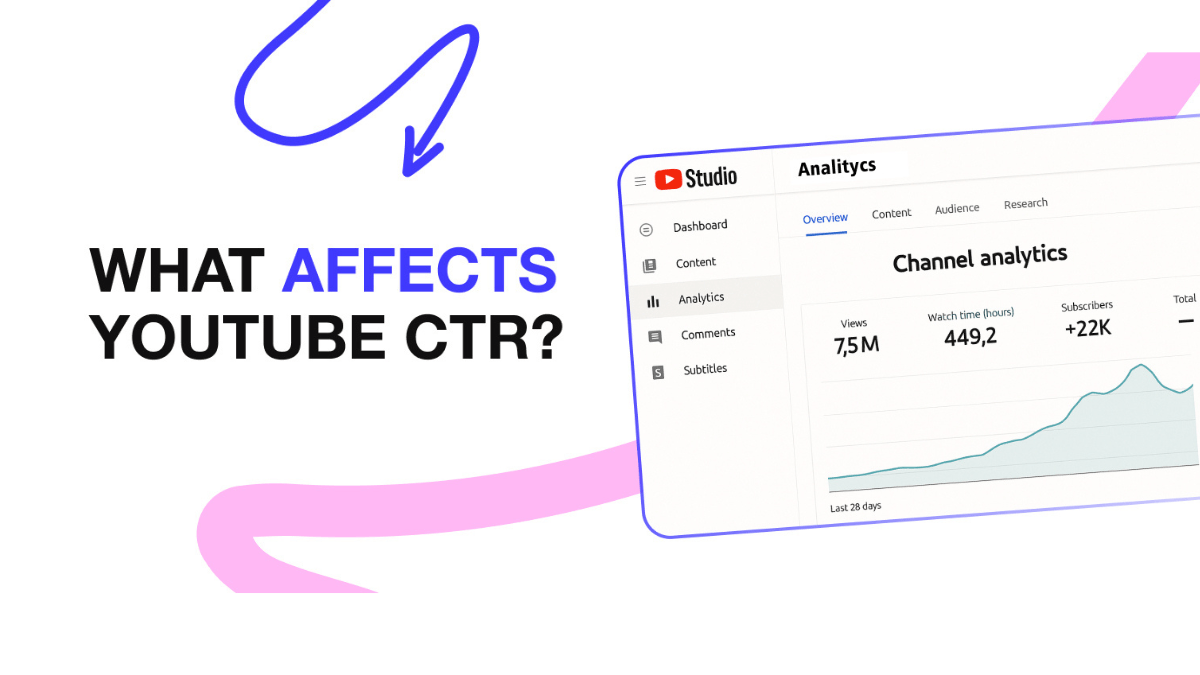
CTR (Impressions Click-Through Rate) measures how often viewers watch a video after seeing a registered impression. Per the official page, half of all YouTube channels and videos have a CTR between 2% and 10%. A declining CTR as a video scales is documented as normal — not a sign of failure. The most impactful tool for improving CTR is the custom thumbnail: "90% of the best-performing videos on YouTube have custom thumbnails," per the official page.
| Variable | Effect on CTR | What it means |
|---|---|---|
| Home page | Naturally lower CTR | Viewers in discovery mode — broader, less targeted competition |
| Channel page | Naturally higher CTR | Audience already interested in this channel specifically |
| Search results | Mid-range | Viewer looking for something specific |
| Expanding to a wider audience | CTR naturally drops | New audience is less familiar with the channel |
Key takeaways:
- Per the official CTR page, "half of all channels and videos on YouTube have an impressions CTR that can range between 2% and 10%." An impression is counted when the thumbnail is visible for more than 1 second and at least 50% is on screen.
- Per the CTR and impressions decoding page, a CTR drop as a video scales is documented as normal — official example: 9% at 10,000 impressions → 3.5% at 100,000 impressions. "Your CTR dropping in isolation is not a negative sign."
- Per the thumbnail and title tips page, "90% of the best-performing videos on YouTube have custom thumbnails."
- Per the official page, early CTR (first hours after upload) is often inflated by the most loyal core audience — it is not a reliable indicator of performance when the video reaches a broader audience.
- Per the official page, compare CTR between your own videos over the long term and account for traffic source differences — not against external benchmarks.
What CTR actually measures — and what it doesn't
Per the official page, Impressions CTR measures "how often viewers watched a video after seeing a registered impression on YouTube. It tells you how eye-catching your video idea or 'packaging' is."
Important limitation: CTR does not include views arriving from outside YouTube — embedded players, external websites, end screens. Per the official page, "if a large amount of traffic to your video comes from outside YouTube, you may have more views than impressions." CTR is a YouTube-surface metric only.
Why CTR drops as a video succeeds — not fails
Per the official page, when a video performs well and is distributed to a wider audience, CTR naturally declines — because the new audience is less familiar with the channel:
The official documented example:
- Week one: 10,000 impressions → CTR 9% — primarily from the most loyal core audience.
- One week later: 100,000 impressions (10x expansion) → CTR 3.5%.
- Official interpretation: "Your CTR dropping from 9% to 3.5% in isolation is not a negative sign. The video is effectively expanding beyond your core audience to a new, broader segment of viewers who might not be immediately drawn to click."
This means monitoring CTR without the context of impression volume produces an incomplete picture. Rising impressions with falling CTR may signal successful expansion — not weak content.
Two CTR measurement windows — for two different audiences
Per the official page, two specific measurement windows are recommended for different purposes:
- For general audience discovery: Check CTR on Home and Suggested within the first 24 hours after publishing — specifically on videos that have above-average impressions. Home and Suggested are where viewers most often discover new videos and channels.
- For subscribers: Check CTR in the Subscriptions Feed within the first 24 hours after publishing. Per the official page, the Subscriptions Feed "represents your most engaged fans."
Custom thumbnails — the most impactful CTR lever
Per the official page, "90% of the best-performing videos on YouTube have custom thumbnails." This is the strongest documented association between a single creator-controlled variable and video performance. Auto-generated thumbnails (random frames from the video) give up control of the first impression.
Per the official page, effective custom thumbnails: apply the "rule of thirds" for composition, overlay with branding and descriptive text using readable fonts, and avoid overly complex designs. "Dynamic use of color and composition can help catch the eye, but too much can overwhelm it." For the full design guide, see the YouTube thumbnail design guide.
Per the official page, "thumbnails show up differently across devices — make sure your thumbnail image is as large as possible." The minimum quality for A/B testing: 1280×720 (720p). If any variant is below this, all thumbnails in the test are downscaled to 480p.
The clickbait trap — high CTR that the algorithm penalizes
⚠️ How to identify if your thumbnail is clickbait — official diagnostic
Per the official page: "You can tell if your thumbnail is clickbait if it's getting high CTR but low average view duration and lower than expected impressions." The documented path: misleading thumbnail → high CTR → viewer exits quickly (low AVD) → negative algorithm signal → fewer impressions. High CTR alone does not improve ranking — high CTR paired with high AVD does. Per the official page, "YouTube will recommend a video if the video's average view duration indicates that viewers find it interesting."
Where to find and analyze CTR in YouTube Analytics
Per the impressions and watch time page, the "Impressions and how they led to watch time" report in the Reach tab shows:
- The funnel from impressions → views → watch time, giving context to CTR performance.
- CTR broken down by traffic source (Home, Search, Suggested, Subscriptions), revealing where your CTR is strong and where it's weak.
- The percentage of your impressions that came from YouTube recommending your videos to viewers.
For a full walkthrough of reading Analytics data, see the YouTube Analytics guide.
Frequently asked questions
Does a high CTR guarantee a video will be recommended by YouTube?
No. Per the official page, "YouTube will recommend a video to viewers if the video is relevant to them and if the video's average view duration indicates that viewers find it interesting." CTR is one signal in the funnel — it needs to be paired with high retention to produce recommendations. YouTube's A/B testing tool optimizes for Watch Time, not CTR, for exactly this reason.
Why is my CTR very high in the first few hours then drops significantly?
Per the official page, "early high CTR often comes from your most loyal core audience — at this stage the CTR is inflated. Once the platform attempts to push it to a broader audience, the CTR performance may drop significantly." This is a documented normal behavior, not a sign of failure. The early inflated CTR is from subscribers and repeat visitors who are predisposed to click; the broader audience that follows is less familiar with the channel.
What resolution should YouTube thumbnails be?
Per the official page, YouTube "always recommends using the highest resolution for all thumbnails." In the context of A/B testing, if any thumbnail variant is below 720p (1280×720), all experiment thumbnails are downscaled to 480p (854×480). Using 1280×720 as a minimum quality threshold ensures thumbnails render well across all surfaces and devices.
Should I compare my CTR against other channels in my niche?
Per the official page, "it's best to compare CTRs between videos over the long-term and keep in mind how their traffic sources will affect their CTRs." CTR is affected by content type, audience composition, and which YouTube surface generated the impression — all of which differ significantly between channels. Comparing your own trend across time is more actionable than comparing against external benchmarks.
Can updating an old video's thumbnail improve its CTR?
Per the official page, "we recommend experimenting with updating older thumbnails to increase your video's appeal to new viewers." A new thumbnail changes how viewers interact with the video when it is shown to them going forward — which can shift CTR on future impressions. The best approach is to test the new thumbnail via YouTube Studio's A/B testing tool if the video is eligible, rather than changing it permanently without data.
Official sources
- YouTube Help — Impressions and CTR FAQs: normal CTR ranges, impression definition, and clickbait warning
- YouTube Help — Decoding CTR and impressions in Analytics: natural CTR decline and the official numerical example
- YouTube Help — Thumbnail and title tips: 90% custom thumbnail stat and two CTR measurement windows
- YouTube Help — Impressions and watch time: the impressions-to-watch-time funnel report