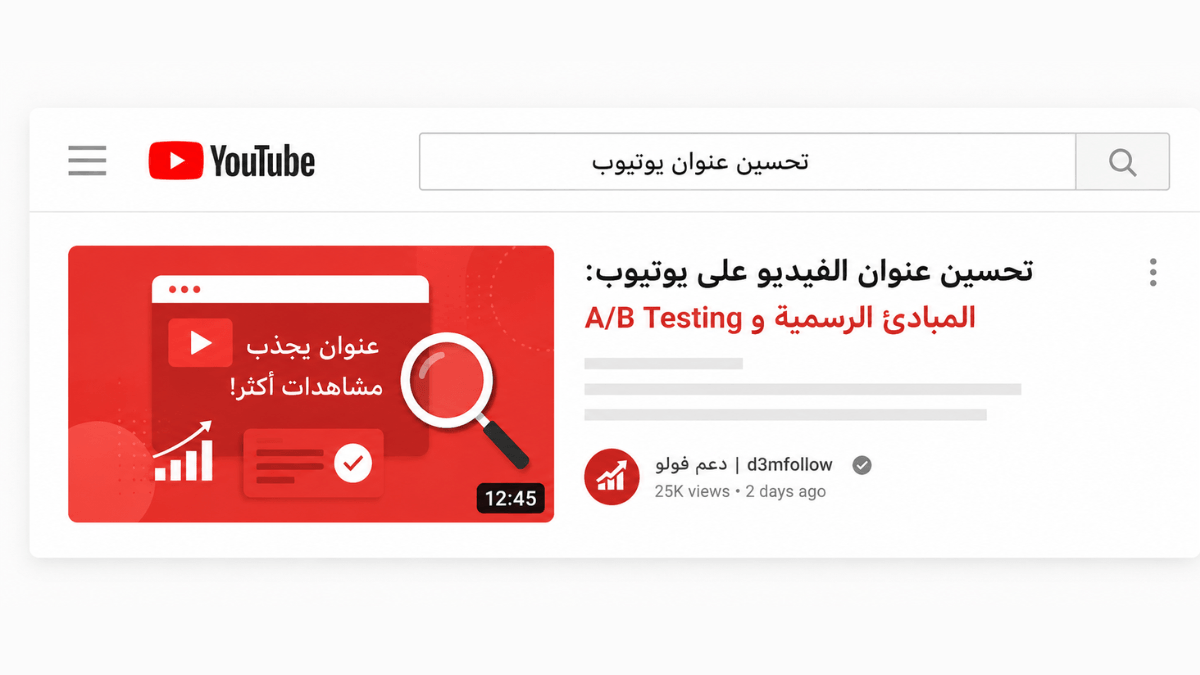
A YouTube video title performs two jobs simultaneously: it convinces the viewer to click, and it tells YouTube what the video is about. Per the official YouTube Help Center, a good title is accurate, succinct, leads with the most important words, and saves episode numbers and branding for the end. YouTube Studio offers native A/B Testing for up to 3 title variants — with the winner determined by Watch Time, not CTR.
| Official principle | Application | Why it matters |
|---|---|---|
| Be accurate | Title reflects actual content | Viewer who doesn't find what was promised exits → hurts retention and discoverability |
| Be succinct | Viewer may only see part of the title | YouTube truncates long titles in many surfaces |
| Most important words first | Keyword and value proposition early | Truncated words carry less value for viewer and system |
| Episode numbers and branding last | Not "Ep. 12 | ..." at the start | New viewers don't prioritize episode numbers; subscribers already know the channel |
Key takeaways:
- Per YouTube's thumbnail and title tips page, "make sure your title accurately represents the video. If not, viewers may stop watching, which can impact discoverability."
- Per the A/B testing page, YouTube Studio lets creators test up to 3 titles and thumbnails. The winner is determined by highest Watch Time — not CTR. Tests complete within two weeks.
- Per the official page, third-party A/B testing tools typically optimize for CTR and may identify a different winner than YouTube's native test, which optimizes for Watch Time.
- Per the official page, "think about who may watch your video and where they may find it to choose between a searchable or intriguing title." Both types serve different objectives.
- Per the official page, ALL CAPS and emoji: "use them carefully, to emphasize emotion or special elements in the video" — not to avoid entirely.
Two title types — which fits your video?
Per the official page, the choice between title types depends on who is likely to watch and where they will find the video:
Searchable title
Targets a viewer who is actively searching for a specific answer or piece of information. Includes explicitly what people type into search. Best for: tutorials, how-tos, explainers, reviews, FAQs. Example: "How to set up home video lighting on a small budget."
Intriguing title
Targets a viewer browsing the Home feed or recommendations — not searching for anything specific. Creates curiosity or promises a clear payoff. Best for: entertainment content, stories, challenges, comparisons, reaction-driven formats. Example: "I tried 5 cameras under $200 — the results surprised me."
A single video can combine both approaches in one title when the content genuinely serves both goals. A/B Testing helps identify which type performs better with your specific audience.
YouTube's native A/B Testing — how it works
Per the official page, A/B Testing is available inside YouTube Studio for titles and thumbnails together or separately:
📋 Steps to run an A/B test in YouTube Studio:
- YouTube Studio → select the video → Analytics → Reach tab.
- Click "A/B Testing" in the Title field or under Thumbnail.
- Choose: Title only / Thumbnail only / Title and thumbnail.
- Add up to 3 options to test.
- Wait — the test completes within two weeks.
Important restrictions:
- Desktop only (currently).
- Requires Advanced Features to be enabled.
- Not available for: Shorts, Scheduled Lives, active Premieres.
- Not available for: Made for Kids, mature audiences, or private videos.
- Changing the title or thumbnail during a test automatically stops it.
⚠️ The winner is Watch Time — not CTR
Per the official page, YouTube determines the winner by highest Watch Time — not highest CTR. "Third-party tools often only optimize for click-through rate and may determine a different winner." This means the title that drives the most clicks may not be the title that produces the most actual viewing — YouTube's test prioritizes sustained engagement over initial attraction.
Official guidelines for writing an effective title
Accuracy — the most important principle
Per the official page, "make sure your title accurately represents the video — if not, viewers may stop watching, which can impact discoverability." This documents the feedback loop: accurate title → better retention → better ranking. A misleading title → low watch time → fewer recommendations — and per the performance FAQ, can result in content being removed for a Community Guidelines violation.
Brevity and front-loading
Per the official page, "viewers may only see part of your title — so aim to keep it short and put the most important words near the beginning." YouTube truncates long titles across many surfaces: Home page on mobile, search results, recommendations sidebar. Words that are cut off carry less value for both the viewer and the system.
Episode numbers and branding at the end
Per the official page explicitly: "save episode numbers and branding for the end." A new viewer does not prioritize knowing this is episode 12 — they prioritize understanding what they will get from watching. Existing subscribers already know the channel and do not need the branding up front.
ALL CAPS and emoji — use with intent, not habit
Per the official page, "limit ALL CAPS and emoji — use them carefully, to emphasize emotion or special elements." The guidance is measured use, not prohibition. Overuse makes titles appear untrustworthy or low-quality; deliberate use of a single emphasized word or relevant emoji can add signal.
The connection between title, retention, and discoverability
Per the official page, "great titles and thumbnails serve an important purpose beyond getting viewers to click — they help a viewer understand what the video is about so that they don't waste their time clicking on the wrong videos." This frames a good title as a service to the viewer, not a manipulation tool.
The practical loop: accurate and compelling title → viewer whose expectations match the content → high retention → positive algorithm signal → better ranking → more viewers. For the retention side of this loop, see improving audience retention and improving CTR.
Frequently asked questions
What is the maximum length for a YouTube video title?
YouTube accepts titles up to 100 characters technically — but the official recommendation is brevity because "viewers may only see part of your title" across many surfaces. On mobile Home and search, titles are truncated after the first few words. No specific character limit is given in official guidance — the documented principle is: keep it short and lead with what matters most.
Does changing an old video's title help improve its performance?
Per the official page, "changing your video title and thumbnail can be an effective way to get more views — but don't change what's working." The change affects how viewers interact with the video when it is offered to them — that shift in behavior is what changes performance, not the act of editing itself. A/B Testing is the best way to validate a title change before committing to it permanently.
Can A/B Testing be run on Shorts?
No. Per the official page, A/B Testing is not available for Shorts. "Once a video has transitioned to a Short, you will not have access to any previously created tests or run an A/B test for that video." It also does not work on Scheduled Lives or active Premieres — but does work on live archives and Premieres after they end and convert to long-form videos.
Should the title and thumbnail always convey the same message?
Per the official page, "thumbnails and titles work together to create interest and tell a story." They do not need to be textually identical — each can highlight a different dimension of the same video. What the official pages warn against is misleading contrast: a thumbnail that implies different content than the title, or either one that misrepresents what is actually in the video.
Do numbers in titles (like "10 ways to...") improve performance?
Official YouTube documentation does not specify that numbers in titles improve performance as a rule. What is documented is the accuracy principle: the title must reflect what is in the video. Numbers give the viewer a clear expectation — which aligns with the accuracy principle when the video actually delivers the promised number. Whether numbers perform better than non-numbered alternatives for a given channel and audience is best answered by A/B Testing.