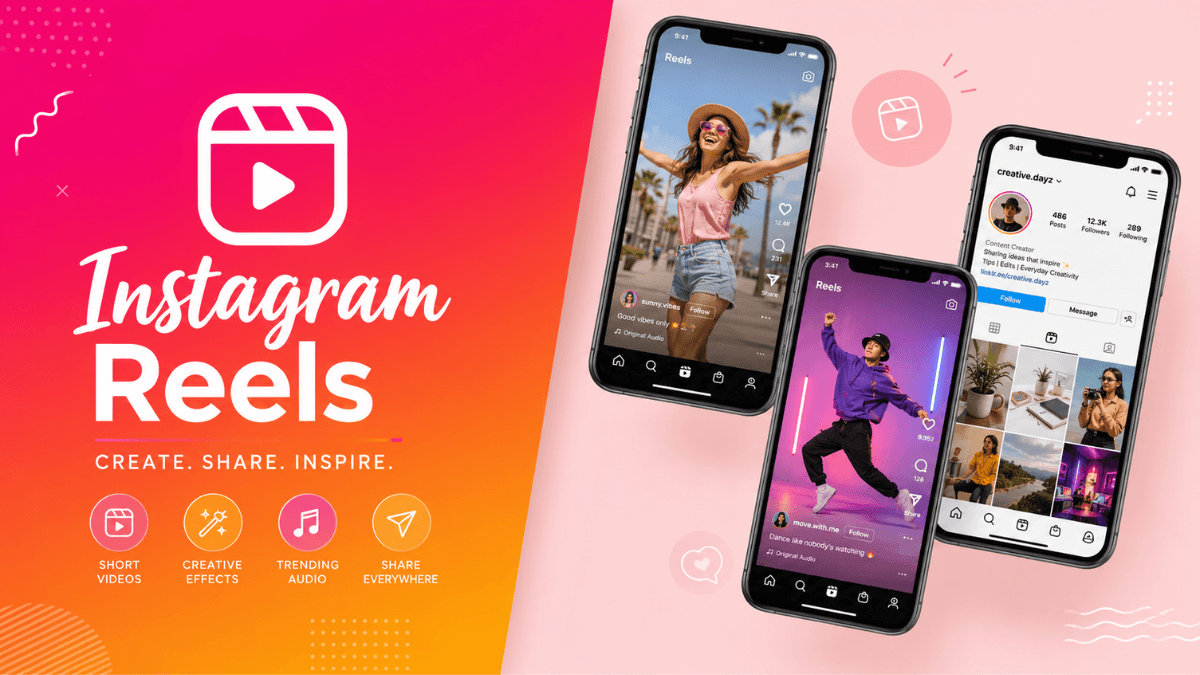
This page is for: choosing a Reel length backed by Instagram's own guidance for your actual goal (reach vs. followers), not the widely-repeated "three-second rule," which isn't a documented Instagram mechanism.
The direct answer: a reel is Instagram's short vertical video. As of 18 August 2026, the official Help Center says you can record and edit up to 20 minutes, but it adds: "Reels over 3 minutes won't be recommended to new audiences." Instagram also publishes an explicit list of what is shown less: reels that are muted, blurry or low resolution, bordered, majority text, or not original. Making one is a six-step job inside the app.
Jump to: Reel vs. video post vs. story · Official reels length · Size, specs and safe zones · How to make a reel · Editing and the Edits app · What's recommended vs. shown less · Hooks and the first seconds · 20 reel ideas · How reels reach non-followers · Trial Reels · Low views? · Pre-publish checklist · FAQ · Practical summary · Official sources
Key Takeaways
- The recording limit is 20 minutes, but the recommendation cutoff for non-followers is only 3 minutes, and that gap matters more than any circulating "secret."
- Instagram publishes two official lists: what gets recommended and what's shown less. Check section 6 before changing your style based on guesswork.
- The "3 second rule" is a common practical interpretation, not a rule Instagram has published. Build around documented signals instead.
- Making a reel is a six-step process inside the app, and a pre-publish checklist is included further down.
1. What a reel is, and how it differs from a video post and a story
| Reel | Video post | Story | |
|---|---|---|---|
| Length | Up to 20 minutes recordable | Inside a normal post or carousel | Short consecutive clips |
| Where it appears | Reels tab, Explore, Feed, profile | Feed and profile | Top of the screen and on your profile |
| Lifespan | Permanent | Permanent | 24 hours unless added to a Highlight |
| Primary audience | Followers and non-followers | Mostly followers | Followers |
The practical difference: Reels is the only format designed primarily to reach people who do not follow you.
2. Instagram Reels length: 20 minutes, and the 3-minute rule
Two different facts get confused constantly:
- The recording limit: up to 20 minutes. That is what the Help Center says verbatim.
- The recommendation cutoff: "Reels over 3 minutes won't be recommended to new audiences." Instagram's reach-tips page puts it another way: "Keep your reels short. In order to be recommended, they must be 3 minutes or less."
What that means in practice: a long reel is neither banned nor penalised, but it will not be shown to people who do not follow you. So if reach is the goal, stay under three minutes. If the content is for your existing followers, length is not a problem.
Note that Google's snippet for this help page still shows an older "3 minutes" figure as the recording limit. The live page says 20 minutes.
3. Reels size, specs and safe zones
One of these numbers is Instagram's own; the rest are the consensus of the current third-party spec guides, because Meta publishes no complete spec sheet for organic reels. Each row says which is which.
| Spec | Value | Source status |
|---|---|---|
| Length | Up to 20 minutes; reels over 3 minutes are not recommended to new audiences | Official (Instagram Help Center, quoted in the previous section) |
| Aspect ratio | 9:16 vertical, full screen | Third-party guide consensus; matches the app's own capture format |
| Resolution | 1080 x 1920 pixels | Third-party guides (InVideo, Fliki, 2026 editions) |
| Frame rate | 30 fps recommended | Third-party guides; not published by Meta |
| File | MP4 (H.264) or MOV, up to 4 GB | Third-party guides; InVideo describes 4 GB as the upload limit |
Safe zones, in practice: the app's interface covers parts of the frame, the caption and buttons sit along the bottom and right edge, and the profile-grid preview crops the reel toward a centered 4:5 (an observed pattern, like the specs above, not a published Instagram figure). So keep text and the subject in the middle of the frame, roughly the central two-thirds vertically, and check the "Preview on profile" option before publishing rather than trusting a downloaded safe-zone template built for a different app version.
One more honest note: exporting at exactly these numbers does not earn extra reach. They exist so your upload survives compression cleanly and nothing important gets covered by the interface; distribution is decided by the signals in the recommendation section below.
4. How to make a reel, step by step
Step 1: open the camera and choose Reel
From the create button at the bottom, or by swiping right from the home screen, then choose Reel.
Step 2: record or upload
You can record one clip or several consecutive ones, or upload existing footage from your gallery. The progress bar at the top shows how long you have recorded.
Step 3: choose the audio
Either Instagram's music library or your own original audio. Instagram's list of what it recommends names reels that use Instagram music or original audio.
Step 4: add text and elements
Short text that clarifies the subject helps, but be careful: reels that are majority text are explicitly named among what is shown less. Text supports the video, it does not replace it.
Step 5: choose the cover
The cover is what appears in your profile grid. Pick a clear frame, because a new visitor reads the grid as one page.
Step 6: write the caption and share
The caption is one of the fields Instagram Search matches, so make it say what the reel is about. How to write it is in how to write Instagram captions.
5. Editing inside the app, and Meta's Edits app
Instagram's built-in tools cover most reels: trimming, speed, text, captions and audio. Instagram also publishes a standalone editing app called Edits for people who want more control.
The comparison of editing apps and the shooting basics are in editing apps for photos and Reels.
6. Which reels Instagram recommends, and which it shows less
Recommended (official text)
- Reels that are entertaining or inspire people to create.
- Reels using Instagram music or original audio.
- Reels filmed vertically.
Shown less (official text)
- Muted, blurry or low resolution.
- Carrying borders, logos or watermarks.
- Majority text.
- Not original, or already posted on Instagram.
- Against the guidelines.
The same page carries a reassuring detail: a creator's reels are never made less visible to their own followers. These constraints apply to recommendation to non-followers.
7. Hooks, openings and the "3 second rule"
This section is practical interpretation, not an official rule. What is documented: the Reels system card lists among its signals how many times a post was skipped within two seconds of being opened, and how many times users watched at least three seconds.
What follows practically: start at the result, not the introduction. Four openings that usually work:
- Open on your strongest shot.
- Ask the question the viewer is actually living with.
- Show the common mistake before the solution.
- Show the finished outcome, then go back through the steps.
What people call "the 3 second rule" is not an Instagram rule. It is a widely repeated reading of viewer behaviour.
8. Twenty Reels ideas you can start today
Teach
- A common mistake in your field and how to avoid it.
- Three tips in thirty seconds.
- A term people think they understand, explained.
- A comparison between two options your audience hesitates over.
- One step from a long process, done completely.
Show
- Before and after.
- How the thing gets made, from the start.
- A day in the work.
- The tools you use daily.
- A detail everyone else overlooks.
Respond
- Answer a question from your messages.
- Respond to a widely held view in your field.
- Answer a comment with a whole reel.
- Ask a question and invite answers in the comments.
- Feature the best thing a follower sent you.
Behind the scenes
- A decision you changed your mind about.
- An attempt that failed, and what you learned.
- How you organise your week.
- Your workspace.
- A question you get constantly, answered plainly.
9. How reels reach people who do not follow you
Instagram states that Reels signals include your activity, your history with the person who posted, information about the reel, and information about the poster. The predictions it watches include reshare, watching all the way through, liking, and going to the audio page.
The full explanation of the systems is in how the Instagram algorithm works.
10. Trial Reels: test before publishing to everyone
A trial reel is shown only to accounts that do not follow you, does not appear to your followers in Feed or the Reels tab, and can be shared to everyone later. Instagram states that trial reels are "evaluated independently in Instagram's ranking and don't impact the performance or ranking of your standard reels content".
The requirements and details are in Trial Reels.
11. Low views?
That is a diagnosis rather than a production question: why your Reels views are low.
12. Pre-publish checklist
- Vertical and at a proper resolution.
- No watermark from another platform, no borders.
- Audio present and clear.
- Text supporting the video rather than filling the screen.
- Under three minutes if reach is the goal.
- A caption that says what the reel is about.
- A cover that reads clearly in the grid.
13. FAQ
How long can an Instagram reel be?
Up to 20 minutes recordable, but anything over three minutes will not be recommended to new audiences.
How long does a reel stay on Instagram?
It stays until you delete it, unlike a story, which disappears after 24 hours.
What is the 3 second rule on Instagram?
Not an Instagram rule. It is a common reading of viewer behaviour. What Instagram documents is that skipping within two seconds and watching at least three seconds are among the Reels signals.
Can someone see if you viewed their Instagram reel?
Instagram does not provide a viewer list for reels the way it does for Stories.
What is the point of Instagram Reels?
It is the format built to reach people who do not follow you, which is why it is the primary growth format.
Does a watermark really hurt?
Instagram names watermarked reels among what is shown less. The official wording is "shown less", not banned.
14. Practical summary
Stay under three minutes if reach is the goal. Shoot vertically at a proper resolution, with no watermarks and with audio. Keep text supporting rather than dominating. Open on the result, not the introduction. And work from Instagram's published list of what it recommends and what it shows less rather than from circulating secrets. The ranking mechanism itself is a different subject, covered from Instagram content creation.
The rest of the Instagram library is collected in the Instagram Resource Hub.
15. Official sources
- Reels limits: "You can record and edit videos up to 20 minutes with Instagram Reels", and "Reels over 3 minutes won't be recommended to new audiences" (read directly 18 August 2026).
- Recommended reels and reels shown less: both official lists, and that followers' reels are never made less visible.
- Instagram tips for improving your reach: "Keep your reels short. In order to be recommended, they must be 3 minutes or less."
- Instagram ranking explained (31 May 2023): Reels signals and predictions.
- Trial reels.
- Third-party spec guides (resolution, frame rate, file limits; not published by Meta): InVideo Reel size guide (2026) and Fliki Reels dimensions guide (2026).
- Reels help hub.
- Reels Chaining system card (updated 11 November 2025).
- Reels insights.