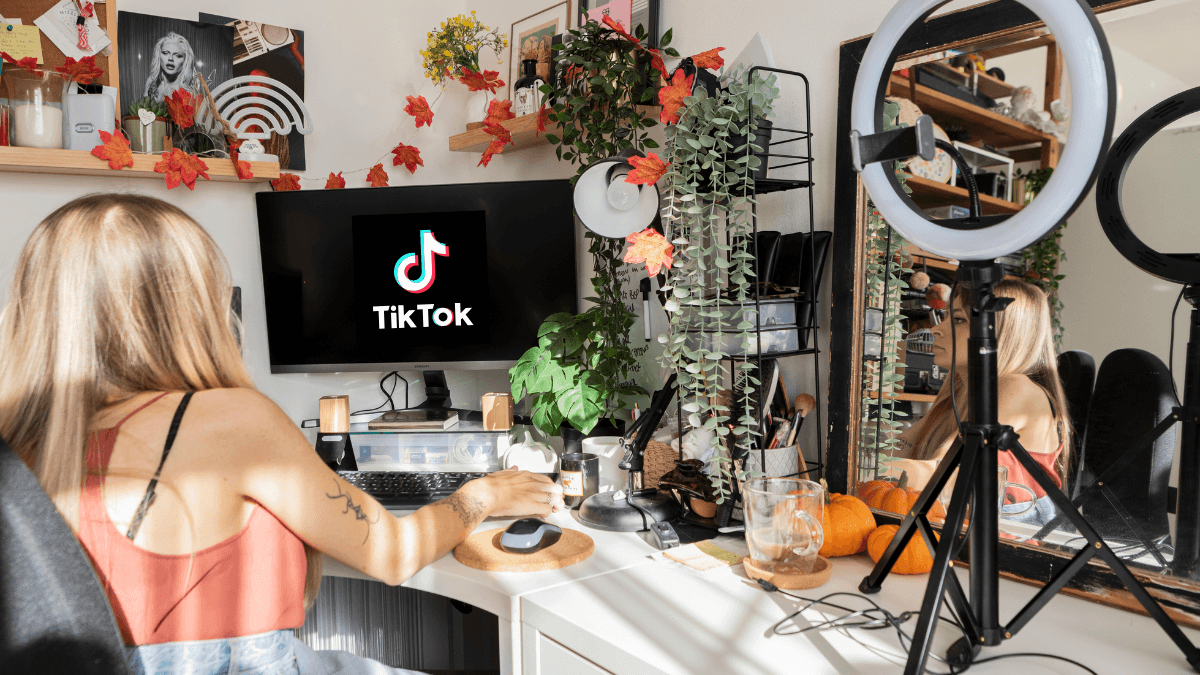
Most people asking "how do I make content on TikTok?" are not short of ideas. They are short of an order of operations. They have an idea and cannot tell whether the problem is the idea itself, the opening seconds, the filming, the edit, or the posting time. So they change everything at once and learn nothing.
The direct answer: making TikTok content is a chain of six stages, each with its own decision and its own tool: the theme, then the idea and format, then the opening, then production, then editing, then publishing and scheduling. Once you know which stage you are at, it becomes obvious which article you need.
This page is the entry point to the Content & Creation path in the TikTok Resource Hub. It gives you the full map and the vocabulary, shows how to test formats without mixing variables, and then points you to the detailed article for each stage. Deep execution stays in those articles.
The Content Workflow in Six Stages
| Stage | The question it answers | Core decision | Detailed article |
|---|---|---|---|
| 1. Theme and system | What do I post about, and how regularly? | Niche, content pillars, cadence | TikTok content strategy |
| 2. Idea and format | What exactly do I post this week? | Pick an idea and a format that fit the theme | TikTok content ideas · Duets and Stitch · Photo Mode |
| 3. The opening | How do I stop the scroll in the first seconds? | Write the hook | TikTok hooks |
| 4. Production | How do I film at sufficient quality? | Light, sound, framing | TikTok video production |
| 5. Editing | How do I cut, assemble and add text? | In-app or external tool | Editing inside TikTok · Best editing apps |
| 6. Publish and schedule | When and how do I post consistently? | Scheduling and timing | Scheduling tools · Best time to post |
Across all stages: Common TikTok mistakes collects what recurs at every step.
Stage 1: Theme and System Before the Idea
A good idea in the wrong theme does not build an account. Before asking "what do I post today?" you need an answer to "what do I post in general, for whom, and at what rhythm?".
At the level of this page it is enough to understand three terms: niche (the field the audience comes to know you for), content pillars (three to five recurring types within the niche), and cadence (the number of videos you can commit to without quality collapsing). TikTok's own creator guidance ties content quality to understanding your audience before it mentions tools.
The full system for building those three and arranging them into a weekly plan is the subject of TikTok content strategy, and it is not repeated here.
Stage 2: Idea and Format
Many people conflate two things here: the idea (what I am saying) and the format (how I present it: direct explanation, story, comparison, reply to a comment, duet, stitch, photo carousel). The same idea succeeds in one format and fails in another.
The testing rule: do not change idea and format at the same time. Try one idea in two formats, or one format with two ideas, otherwise you will not know which one made the difference.
- A ready list of ideas sorted by type: TikTok content ideas
- When replying to someone else's video beats a standalone one: Duets and Stitch
- The photo carousel format and when it fits: Photo Mode on TikTok
Stage 3: The First Seconds
Everything the algorithm page explains about interest signals starts here: TikTok describes a completed watch as a strong indicator, and completion begins with the first-second decision. If people leave early and consistently, the problem is the opening, not the algorithm.
A hook is not a marketing line; it is a clear promise of what the viewer gets if they stay. Its structure, types and examples are the subject of Writing a TikTok hook. Measuring its effect on retention belongs to the Analytics & Performance path.
Stages 4 and 5: Production, Then Editing
A common mistake is to treat production and editing as one stage. Production is the set of decisions before you press record: light, sound, framing, location. Editing is the set of decisions after: the cut, pacing, on-screen text, added sound.
The practical rule: a production problem is not fixed in the edit. Bad audio or bad lighting stays bad however you cut it. TikTok's creator guidance lists video quality among the fundamentals of standout content.
| Decision | Article |
|---|---|
| What a TikTok video needs in filming, sound and light | TikTok video production |
| Whether TikTok's built-in editor is enough, and how to use it | Editing inside the TikTok app |
| When you need an external app, and which | Best TikTok editing apps |
Stage 6: Publishing, Scheduling and Timing
Posting consistently matters more than posting a lot. Consistency gives you comparable data, and that is its real benefit, not "pleasing the algorithm". Scheduling is a tool for consistency, not a substitute for the idea.
On timing, this page takes only a general position: TikTok does not publish an ideal schedule that works for every account, and timing is a secondary variable that is only worth testing after the opening and retention have been ruled out. The best times, how to test your own account's timing, and what your audience-activity data in TikTok Studio actually means are all in The best time to post on TikTok. No timing table is placed here, deliberately.
- The tools that post for you, and what TikTok permits: TikTok scheduling tools
How to Test a New Format Without Misleading Yourself
The only way to learn what works is disciplined comparison:
- Hold every variable but one. Same topic, same length, same posting time, and change only the format. Or the reverse.
- Post a sample, not a video. Three to five videos per format before judging.
- Read retention, not views. Views are shaped by distribution; retention reflects the content. How to read it is in Analytics & Performance.
- Keep what works and build on it. Then test the next variable.
The mistakes that break this test, from changing topic every two weeks to judging from a single video, are collected in Common TikTok mistakes.
Where to Go After This Page
| Your question | The article |
|---|---|
| How do I build a weekly content system? | TikTok content strategy |
| What should I post? Give me ideas | TikTok content ideas |
| How do I write an opening that stops the scroll? | TikTok hooks |
| When should I use Duets and Stitch? | Duets and Stitch |
| How do I film at good enough quality? | TikTok video production |
| How do I edit inside the app? | Editing inside TikTok |
| Which editing app should I pick? | Best TikTok editing apps |
| When should I post photos instead of video? | Photo Mode |
| How do I schedule posts? | TikTok scheduling tools |
| What is the best time to post? | The best time to post on TikTok |
| Which mistakes am I repeating without noticing? | Common TikTok mistakes |
If your question is "why is my content not reaching anyone?", that is Algorithm & Reach and Analytics & Performance. If it is "how do I turn this content into followers?", that is Growth, Profile & Engagement.
Frequently Asked Questions
What counts as successful content on TikTok?
There is no single formula. Successful content is what holds the viewer to the end and gives them a reason to react or follow, and that varies by topic and audience. The metric that tells you is retention, not view count.
How do I start creating content on TikTok?
Start at stage one: pick a theme, three content types, and a rhythm you can keep, then post a small sample and read the numbers before scaling. Detail in TikTok content strategy.
Do I need professional equipment?
No. The priority is clear audio, adequate light and a stable frame, all achievable on a phone. Detail in TikTok video production.
How many videos should I post a week?
As many as you can sustain without quality dropping. Consistency helps because it gives you comparable data, not because it is a published ranking factor.
Is there an ideal time to post?
TikTok publishes no universal schedule. Testing your own account's timing is the subject of The best time to post on TikTok.
The Bottom Line
- Content creation is six stages, each with a decision, a tool and an article.
- Theme and system come before the idea; idea is not format; production is not editing.
- The first seconds decide whether the rest of the video is watched.
- Test one variable on a sample, and read retention rather than views.
- Timing is a secondary variable, and its dedicated article explains how to test it.
Your next step: identify which of the six stages you are at right now, and open only that stage's article.