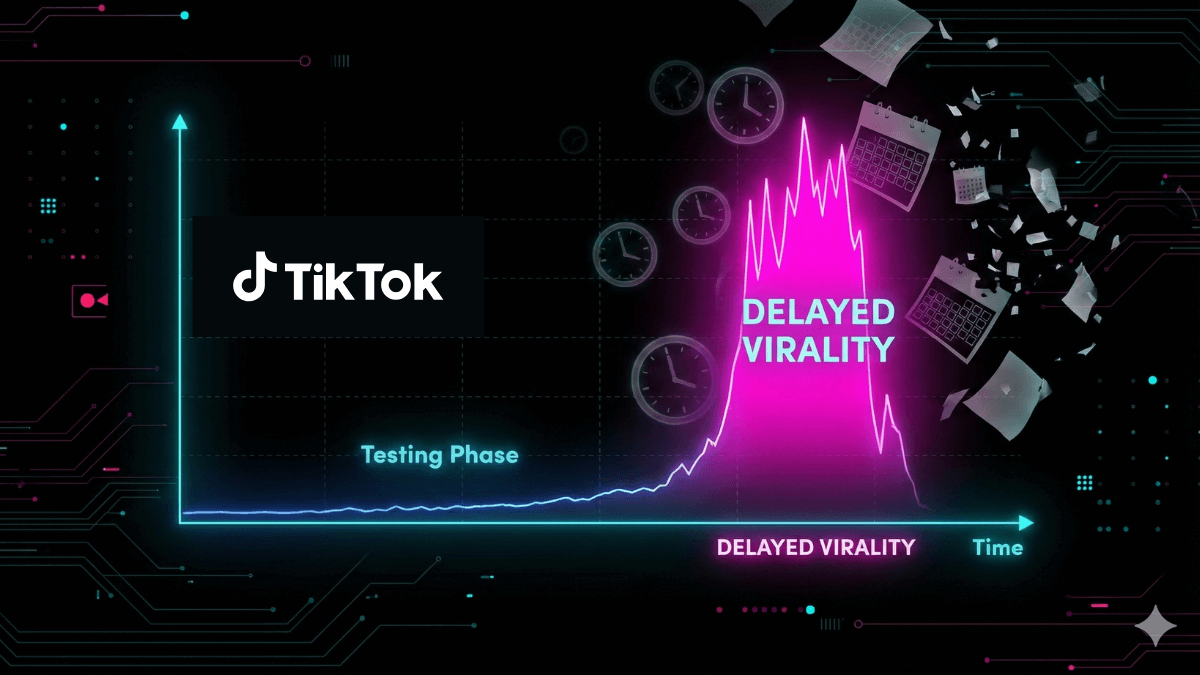
There is no fixed or guaranteed time for a TikTok to go viral.
Some posts gain views quickly. Others receive additional reach after hours or days. Many never become an exceptional outlier. TikTok does not publish a 24-, 48-, or 72-hour viral deadline, and it does not document a fixed sequence of audience batches.
The useful question is not “How long should I wait?” It is: What is the post doing now, where are the views coming from, and what does the audience response tell you?
The direct answer
A TikTok can take minutes, hours, days, or longer to build meaningful reach. It can also level off without a later surge.
No official source provides one timeline that applies to every post.
TikTok says its recommender systems rank eligible content using user interactions, content information, and user information. The relative importance of those factors can change over time, and each person receives a personalized feed. TikTok does not turn that explanation into a public viral clock.
That means a delayed increase is possible. It does not mean a scheduled “second push” is guaranteed.
For the documented system-level context, see how the TikTok algorithm works.
Why there is no fixed viral timeline
Virality is not one distribution event.
A post can receive views through:
- the For You feed;
- the Following or Friends feeds;
- TikTok Search;
- the creator's profile;
- shares and external links;
- notifications or other discovery surfaces where available.
Those sources can behave differently. A post may start with For You traffic and later gain Search views. Another may be shared outside TikTok. A third may receive profile visits after a newer post attracts attention.
TikTok's recommendation feeds are personalized. The same post is not ranked identically for every viewer at the same moment.
Here is the boundary that matters: personalization does not prove a fixed test-batch model. Claims about a specific first audience, a required view threshold, or a scheduled second wave need direct official evidence. TikTok does not publish that sequence.
Fast starts and delayed reach are different patterns
A fast start
A post may gain views quickly when the topic matches current demand, the initial audience responds well, the content is easy to understand, or several discovery sources contribute at once.
A fast start is evidence of early momentum. It is not proof that growth will continue.
Views can slow when the first source is exhausted, the relevant audience is limited, or the post does not hold attention well enough among broader viewers.
Delayed reach
A post may receive new views later through Search, profile visits, shares, or renewed recommendation exposure.
That can happen.
But delayed reach should be described as a possibility, not a promise. TikTok does not state that every post receives another evaluation after a set number of hours or days.
To understand the surfaces involved, see where TikTok video views come from.
Why views may pause and then return
A flat period can have several explanations:
- A temporary traffic source slowed. A share chain, profile visit spike, or recommendation period may have ended.
- A different source began contributing. Search or profile traffic may arrive after For You traffic slows.
- The topic became relevant again. A question, event, product, sound, or discussion can renew interest.
- Audience activity changed. Location, language, time zone, and user context can affect who sees a post.
- Normal volatility. TikTok explicitly says post views can fluctuate and directs creators to analytics for total views, engagement information, and other metrics.
Do not automatically label every return as an “algorithm retest.” That is an interpretation, not a documented platform rule.
Can an old TikTok go viral?
An older TikTok can receive new reach. There is no guarantee that it will.
This is a reasonable operational inference because published, eligible content can remain discoverable through recommendation, Search, profiles, and sharing. TikTok does not promise that old posts will be resurfaced, and it does not publish a timetable for doing so.
Delayed discovery is more plausible when the post remains:
- public to the intended audience;
- eligible for the relevant recommendation surfaces;
- accurate and useful;
- connected to a recurring search question;
- easy to understand from its caption and content;
- shareable or worth revisiting.
Age can also work against a post when the information is outdated, the interface has changed, or the topic depended on a past event.
When should you wait, and when should you diagnose?
Do not use a universal countdown.
Use two checks.
Keep observing when the post is still producing meaningful data
Continue to watch the post when:
- views are still increasing, even slowly;
- a new traffic source is appearing;
- Search, shares, or profile visits are adding reach;
- relevant engagement continues;
- there is no sign of an eligibility, privacy, or publishing problem.
Start diagnosing when growth has stalled and a testable issue appears
Investigate when:
- the post is not visible to the intended audience;
- views are negligible and a publishing or privacy issue may exist;
- For You traffic is absent compared with similar posts;
- TikTok shows an eligibility or violation notice;
- retention drops sharply at a specific point;
- the result is repeatedly weak across comparable posts.
For a sudden decline after a stronger baseline, use the TikTok views drop diagnostic. For a post-specific For You problem, use why your TikTok is not showing on the FYP.
What to monitor instead of a fixed number of hours
Analytics do not identify causation automatically. They give you a better starting point than a viral stopwatch.
Monitor the metrics available in your account and TikTok Studio version.
View trend over time
Ask:
- Is the post still gaining views?
- Did growth pause and restart?
- Was the increase concentrated in one period?
- How does the curve compare with similar posts on your account?
Traffic sources
Where available, review the mix of For You, Search, Following, Profile, and other sources.
One source can slow while another continues. That is often more useful than the total view count alone.
Watch behavior
Review:
- average watch behavior, where available;
- the retention curve;
- clear exit points;
- whether viewers reached the core value.
These metrics do not predict a viral date. They help you decide whether the viewing experience is supporting further distribution.
Goal-relevant actions
Shares, saves, comments, profile visits, follows, and Search performance serve different goals.
Decide what the post was meant to do, then evaluate the action that matches that objective.
Publishing and eligibility status
Before diagnosing creative performance, confirm that:
- the post is public to the intended audience;
- processing has completed;
- there is no violation or recommendation-eligibility notice;
- the sound or other required element remains available.
When is a TikTok “done” getting distribution?
TikTok does not publish a point at which organic distribution is permanently over.
Operationally, you can call a post temporarily stable when its rate of new views remains low relative to your account's normal pattern, no new traffic source appears, and engagement no longer changes meaningfully.
Temporarily is the important word.
A published post may remain discoverable. Treat a stable curve as a reason to move from waiting to analysis—not as proof that the post can never receive another view.
Should you delete a TikTok that did not go viral?
Usually, no.
A slow start is not a strong reason to delete a post. Deletion removes the live asset and its accumulated context, including comments, shares, and performance history. TikTok provides a recently deleted recovery process, but that does not make deletion a distribution tactic.
Delete or restrict a post when there is a separate reason:
- a material factual error;
- a privacy problem;
- a rights issue;
- a corrupted or incorrect upload;
- a safety or brand risk;
- an editorial decision that the content should not remain public.
Low views alone are not enough.
Should you reupload the same TikTok?
Do not treat reuploading as an algorithm reset button.
A new upload is justified when you have a meaningfully improved version or a clear technical reason, such as:
- a clearer opening;
- removal of a section linked to audience drop-off;
- corrected information;
- improved audio or readable text;
- a different audience angle;
- a rebuilt structure rather than an unchanged duplicate.
If you want to learn from the change, isolate one main variable where practical. Use the TikTok content testing framework instead of changing the hook, duration, caption, visuals, and topic at the same time.
When should you publish a new video instead of waiting?
Publish the next useful video when it is ready.
One post should not freeze your content schedule. Continuing to publish creates more learning opportunities and reduces the temptation to treat one result as a universal rule.
A practical workflow:
- Leave the current post live unless there is a separate reason to remove it.
- Observe until the data stops adding useful information.
- Record what happened by source and audience behavior.
- Apply one lesson to a new post.
- Keep publishing without waiting for a “magic hour.”
Video duration is a separate production decision from time to distribution; see how to choose the best TikTok video length.
Frequently asked questions
Is there a 24-hour rule for TikTok virality?
No. TikTok does not publish a rule that a post must go viral within 24 hours or that its opportunity ends at that point.
Can a TikTok go viral days later?
It can receive substantial new reach days later through recommendation, Search, sharing, or profile discovery. That is possible, not guaranteed.
Why did my TikTok views stop at one number?
The source that generated the views may have slowed, the relevant audience may be limited, retention may be weak, or the post may have an eligibility issue. The number itself does not identify the cause.
Should I wait a week before judging a TikTok?
There is no required one-week period. Compare the post with similar content on your account and start diagnosing when the trend is stable or a specific problem appears.
Does deleting and reposting increase views?
TikTok does not publish a rule that guarantees this. An unchanged reupload can repeat the same weakness. Repost only when you have a clear reason and a meaningfully improved version.
Can an old TikTok return to the For You feed?
Older content can receive new recommendation reach, but TikTok does not guarantee that it will or provide a schedule.
The bottom line
There is no fixed answer to how long it takes for a TikTok to go viral.
Some posts move quickly. Some gain reach later. Some never become outliers.
Replace the countdown with a diagnostic process:
- Confirm publishing and eligibility.
- Track the view trend.
- Review traffic sources.
- Read watch behavior and retention.
- Compare with similar posts.
- Do not delete solely because the start was slow.
- Turn the result into one test for the next post.
The goal is not to guess the hour TikTok will “push” the video.
The goal is to understand what happened—and make a better next decision.